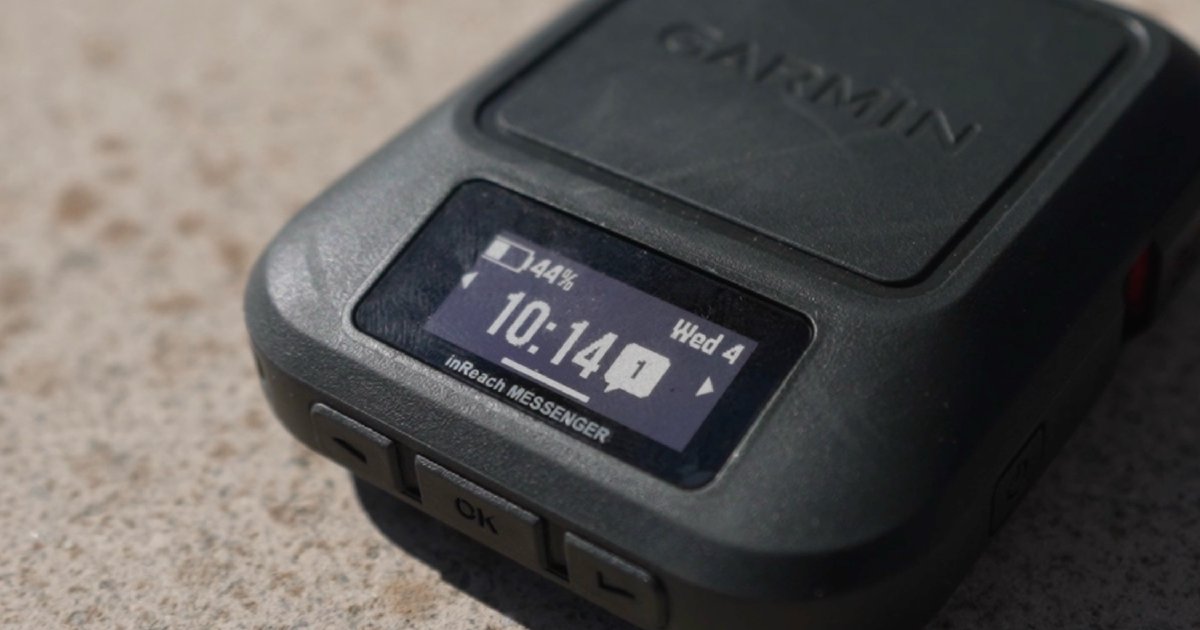
Quick Facts
- MSRP: $300
- Battery Life: Up to 28 days (10-minute tracking)
- Network: Iridium Satellite Network
- Waterproofing: IPX7 rating
- Weight: 107g
- Key Feature: Reverse charging via USB-C Charging Port
The Garmin inReach Messenger is an essential tool for backcountry safety, offering reliable Iridium satellite connectivity that bridges the gap between your smartphone and the global communication network. To use Garmin inReach Messenger for backcountry safety, prioritize pairing it with the Garmin Messenger app for seamless satellite switching and keep the SOS button accessible for emergency communication with the Garmin Response IERCC.
Essential SOS Protocols and Activation
When you are deep in the wilderness, the ability to summon help is your most critical safety net. The Garmin inReach Messenger is designed with a dedicated physical SOS button to ensure that even in high-stress situations, help is only a few seconds away. Knowing the inReach Messenger emergency SOS protocol can mean the difference between a controlled rescue and a survival crisis.
To activate the SOS on a Garmin inReach Messenger, follow these Garmin inReach Messenger SOS activation steps for beginners:
- Locate the SOS button on the side of the device, which is protected by a flip-up cover to prevent accidental triggers.
- Flip the protective cover and press and hold the SOS button.
- A countdown will initiate on the device screen. If you accidentally triggered it, you have these few seconds to cancel.
- Once the countdown ends, the device sends your GPS coordinates to the Garmin Response IERCC (International Emergency Response Coordination Center).
- After the signal is received, rescuers will initiate two-way SMS messaging with you to assess your condition, the nature of the emergency, and provide updates on the rescue mission.
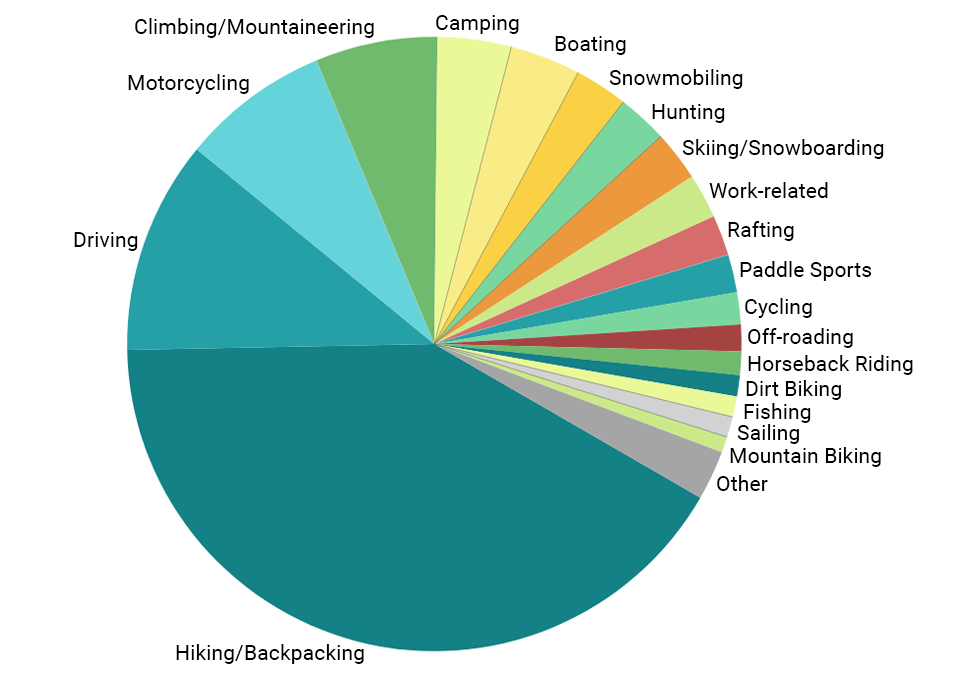
One of the most powerful aspects of this device is the interactive SOS functionality. It is not just a "fire and forget" beacon. According to Garmin's data, approximately 12% of inReach users who triggered an SOS in 2024 were able to self-rescue after receiving guidance and triage from the coordination center. Furthermore, the 2024 SOS year-in-review revealed that nearly 50% of emergency triggers were actually initiated for a member of the owner's party or an unknown third-party individual. This highlights the device not just as personal insurance, but as a community safety tool for the entire trail.
Mastering the Garmin Messenger App
While the device itself can function independently, its true potential is unlocked when paired with your smartphone. The Garmin Messenger app satellite switching technology is the backbone of this system’s efficiency. Unlike older satellite communicators that required you to manually choose a network, this system is intelligent.
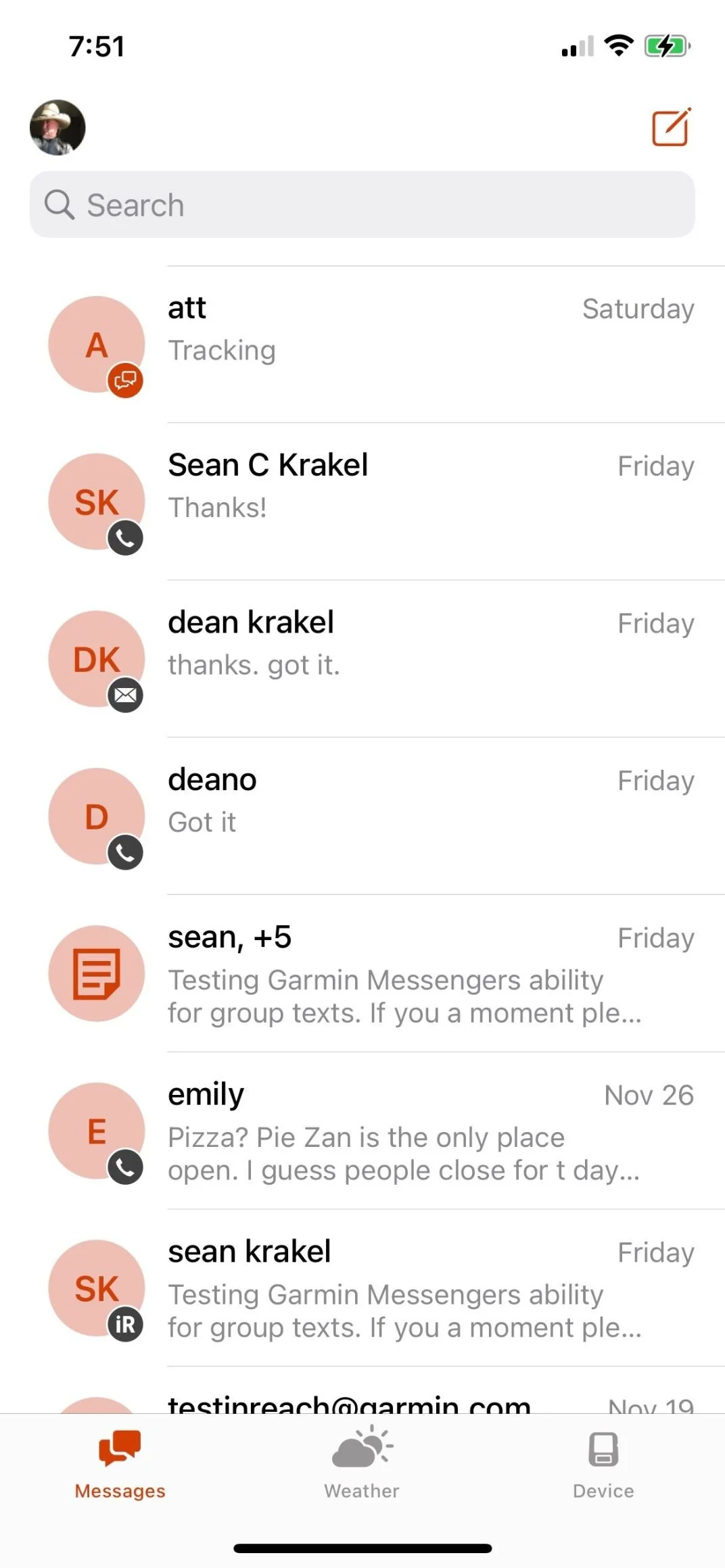
When you use Garmin Messenger app for seamless satellite switching, the app automatically transitions between cellular, Wi-Fi, and the Iridium Satellite Network. It treats your smartphone as the primary interface, allowing you to type messages quickly on a familiar keyboard. If you have a cellular signal, the app uses it to save your satellite data. As soon as you step into a "dead zone," it seamlessly pivots to the satellite network without you needing to change a single setting.
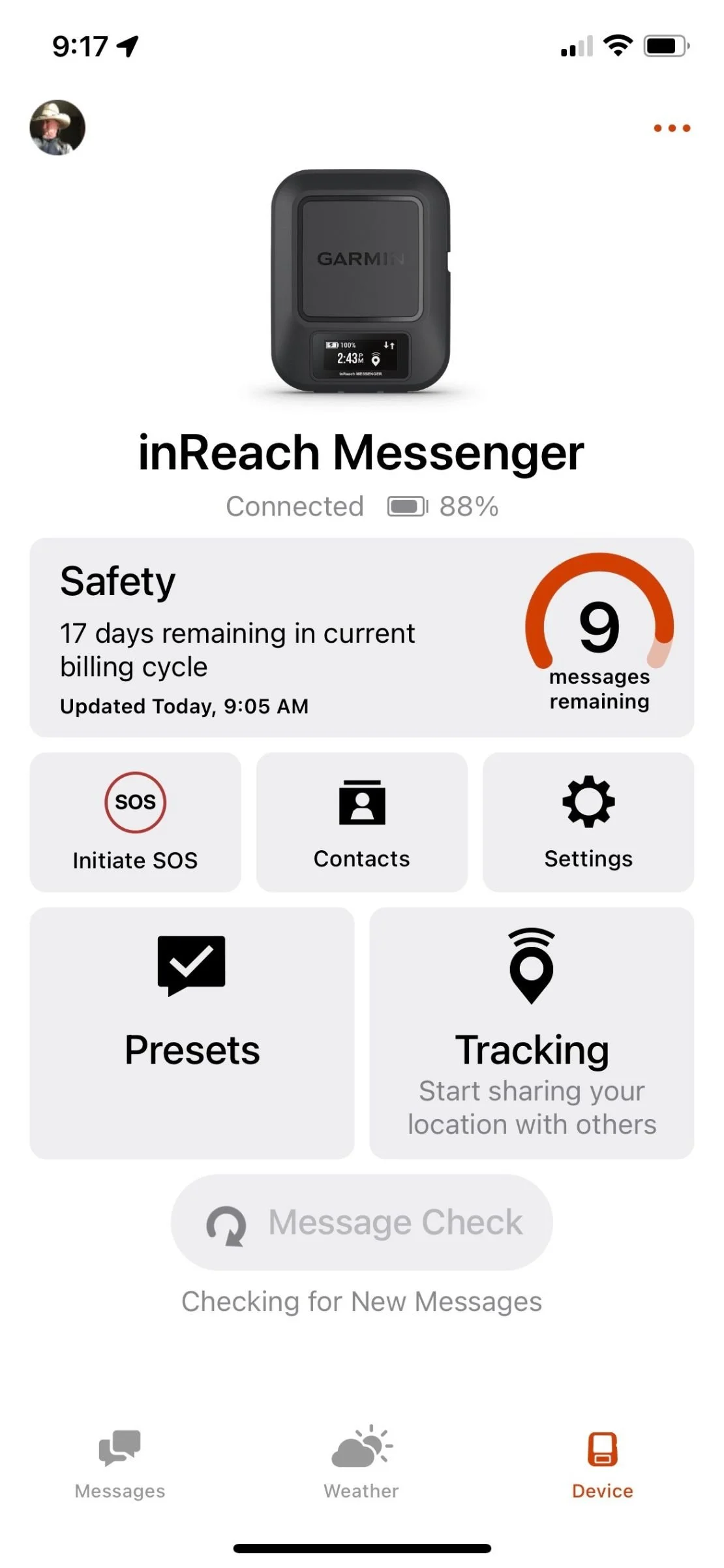
For those managing a budget, understanding the subscription plans is vital. Most users opt for a plan that costs around $180 per year for standard features, but even the basic plans allow for unlimited check-in messages. These are pre-set messages like "I'm starting my hike" or "I've reached camp," which do not count against your monthly message limit. This off-grid communication strategy allows you to keep family informed about your progress with global satellite coverage without racking up extra fees.
Battery Management and Reverse Charging
In the backcountry, power is a finite resource. The Garmin inReach Messenger provides a significant advantage in this department, boasting a battery life of up to 28 days when recording location data at 10-minute tracking intervals with a clear view of the sky. However, achieving this longevity requires smart satellite messenger battery management.
A unique feature of this device is its safety-first power hierarchy. Many hikers find themselves in a situation where their smartphone battery dies, rendered useless for navigation or using the app. The Messenger includes a "Safety Charging" or reverse charging capability. By connecting your phone to the device via the USB-C Charging Port, the Messenger acts as a small power bank. It can provide a critical charge to a depleted smartphone, ensuring you can continue using the app for complex communication during an emergency.
Pro Tip: Cold Weather Care Extreme cold can be a battery killer. In temperatures near freezing, you can expect a 40% drop in battery capacity. To mitigate this, keep the device in an internal jacket pocket close to your body heat during the day, and sleep with the device inside your sleeping bag at night.
Even with standalone device operation, keeping the battery healthy is your top priority. If you encounter a situation where you are low on power, increase the tracking interval to 30 or 60 minutes, or turn off tracking entirely and rely only on manual check-ins to extend the life of the unit for several more weeks.
Navigation and Comparison: Messenger vs. Mini 2
When deciding on a safety tool, many hikers compare the Garmin inReach Messenger vs Mini 2 for day hikers. While both offer the core SOS and messaging features, they cater to different styles of backcountry travel. The Mini 2 is built for the technical navigator who wants on-device mapping and a screen that can show a breadcrumb trail clearly. The Messenger, however, is the choice for the weight-conscious hiker who prioritizes long battery life and messaging over complex on-device maps.
| Feature | Garmin inReach Messenger | Garmin inReach Mini 2 |
|---|---|---|
| MSRP | $300 | $400 |
| Battery Life | Up to 28 days | Up to 14 days |
| Weight | 107g | 100g |
| Interface | App-Centric | Device-Centric |
| Best For | Messaging & Safety | Technical Navigation |
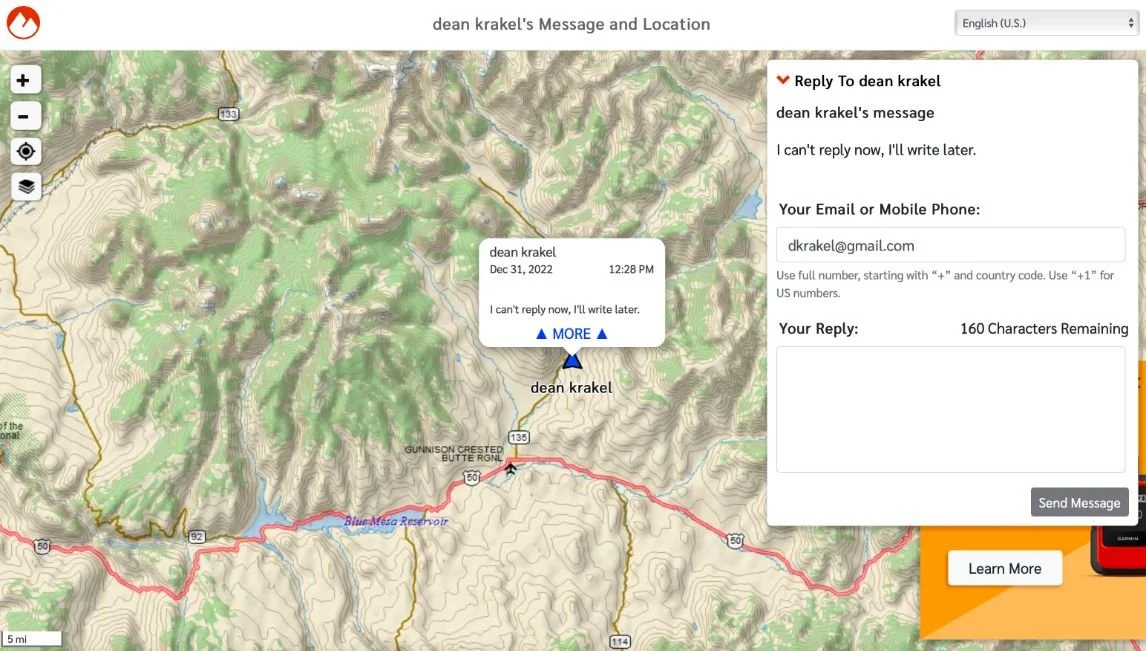
Despite its simplified interface, the Messenger still offers a vital safety tool: the Garmin inReach Messenger TracBack guide for emergency navigation. If you lose the trail or visibility drops due to fog or snow, the TracBack feature allows the device to lead you back along the exact path you came. It follows the recorded path points to guide you back to your starting location, providing a "digital thread" that ensures you never truly get lost. This integration into the Garmin Explore Ecosystem ensures that even without a full map on the small screen, you have a reliable way to navigate out of trouble.
FAQ
Does the Garmin inReach Messenger require a subscription?
Yes, the Garmin inReach Messenger requires an active satellite subscription to access the Iridium Satellite Network for messaging, weather forecasts, and SOS services. Garmin offers a variety of plans, including monthly "Freedom" plans that allow you to suspend service during the months you aren't hiking, and annual plans for year-round explorers.
What is the difference between the Garmin inReach Messenger and Mini 2?
The primary difference lies in the user interface and battery life. The Mini 2 is designed for standalone navigation with a more detailed screen and on-device "as-the-crow-flies" mapping. The Messenger has double the battery life and is designed to be used primarily with a smartphone app for a better messaging experience. It is also more affordable, typically priced around $100 less than the Mini 2.
How long does the battery last on the Garmin inReach Messenger?
Under optimal conditions with a clear view of the sky and a 10-minute tracking interval, the battery can last up to 28 days. If you turn off tracking and only use the device for occasional check-ins or SOS standby, the battery life can extend significantly longer. External factors like heavy tree cover or extreme cold will reduce these estimates.
Can I use the Garmin inReach Messenger without a smartphone?
Yes, the Garmin inReach Messenger is capable of standalone device operation. You can trigger an SOS, send pre-set check-in messages, and use the TracBack feature directly from the device buttons and small on-board screen. However, for custom two-way SMS messaging, using the app is much faster and more intuitive.
How does the Garmin inReach Messenger SOS feature work?
When you activate the SOS, the device sends a distress signal with your GPS coordinates to the Garmin Response IERCC. This center is staffed 24/7 and will communicate with you to determine the nature of your emergency. They then coordinate with local search and rescue (SAR) teams and keep your emergency contacts updated on the situation until help arrives or the situation is resolved.